3.3 Workflow
Fast & Compliant Setup: Submit your account request in minutes, seamlessly provide required product documents, and get TikTok approval within 6 hours.
Here is your fast-track to global scaling:
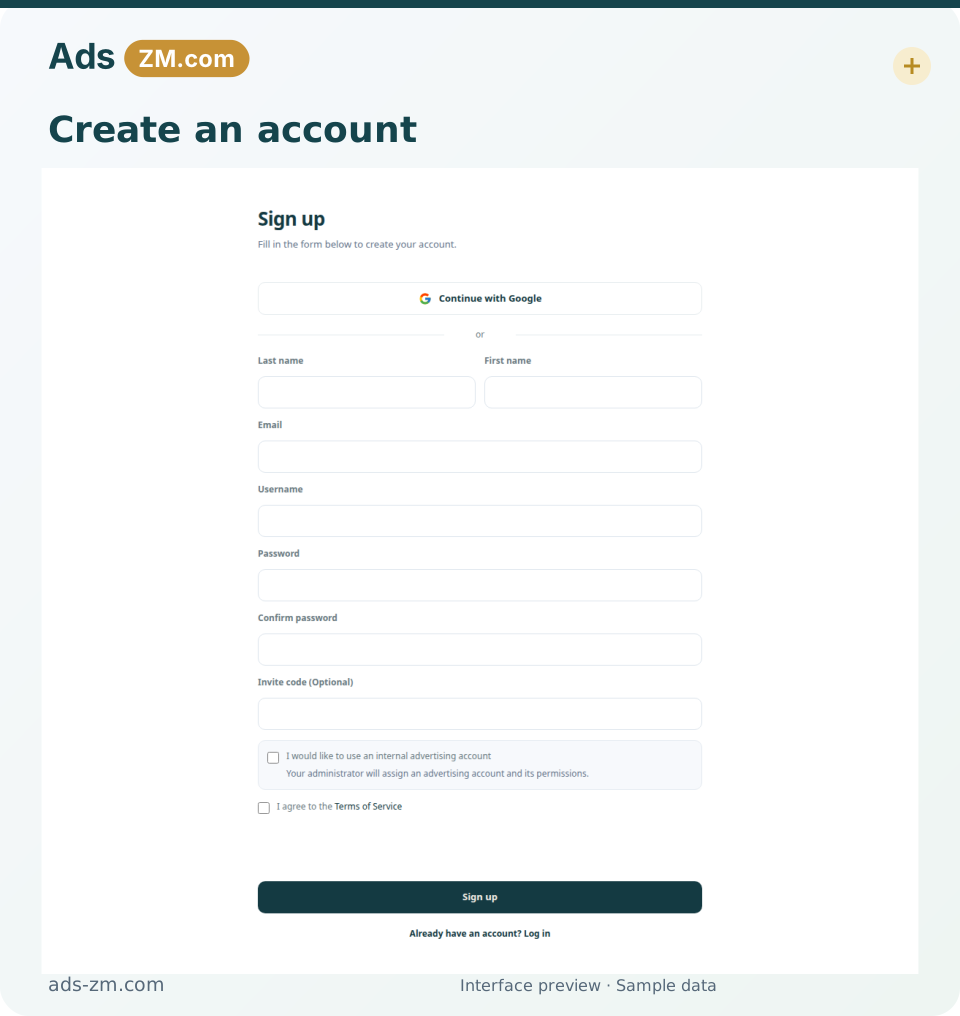
3.3.1 Step 1: Access the Ads-ZM system and Register
- Access Ads-ZM system: https://tiktok.ads-zm.com/register
- Fill in all required information such as name, email, password, and other required fields.
3.3.2 Step 2: Confirm your email
- After registering, check your email inbox and confirm your email by clicking the verification link sent by Ads-ZM.
- Wait for Ads-ZM to review and approve your account. This process may take about 30 minutes.
Successful registration
3.3.3 Step 3: Register a TikTok Business account
- If you don't have one, create a TikTok Business account at https://business.tiktok.com/
- Fill in all the required information to register.
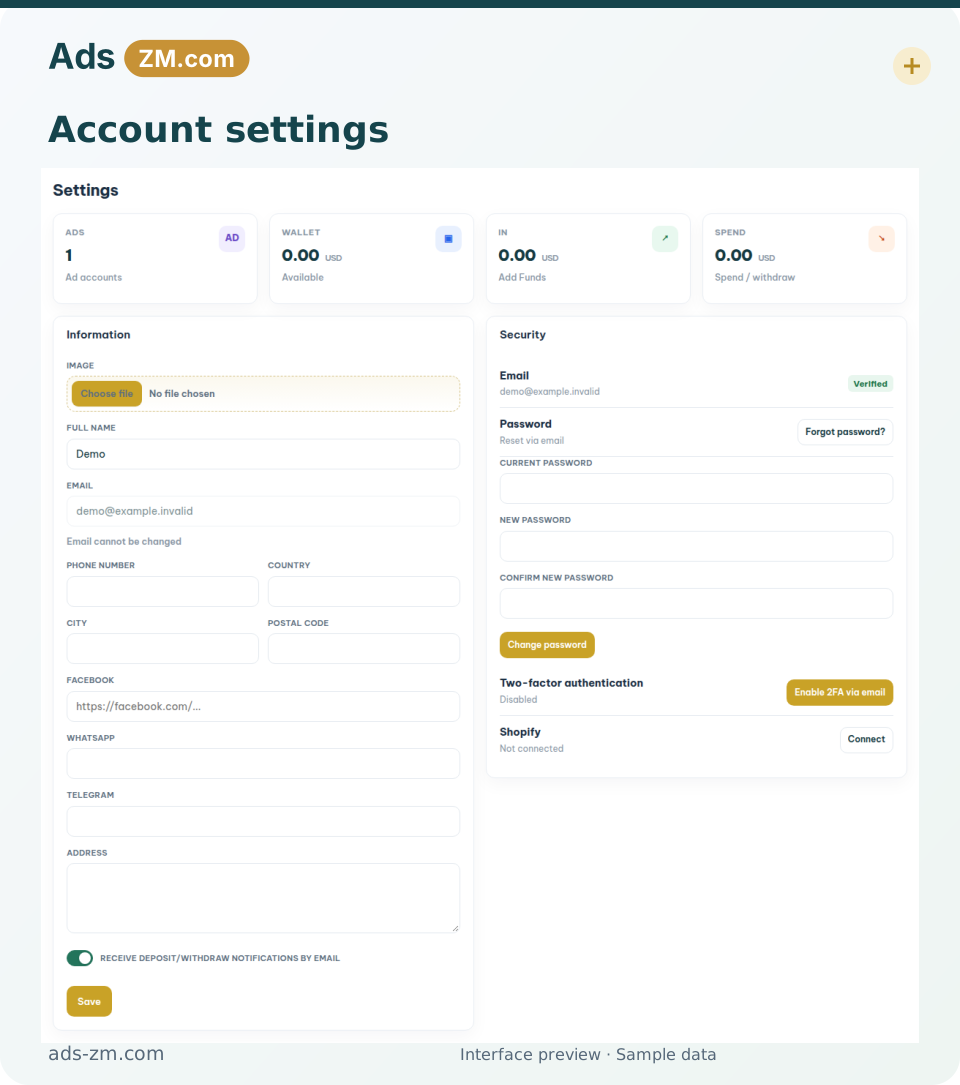
3.3.4 Step 4: Update your Company Information and Top-up
- Log back into Ads-ZM: https://ads-zm.com/overview/
- Link your TikTok Business account, and complete the link.
- Provide the link to your product so that we can better support and optimize your experience.
- Your information will be reviewed by the Ads-ZM team. This process typically takes 4–5 hours.
- For immediate assistance, please contact our support team.
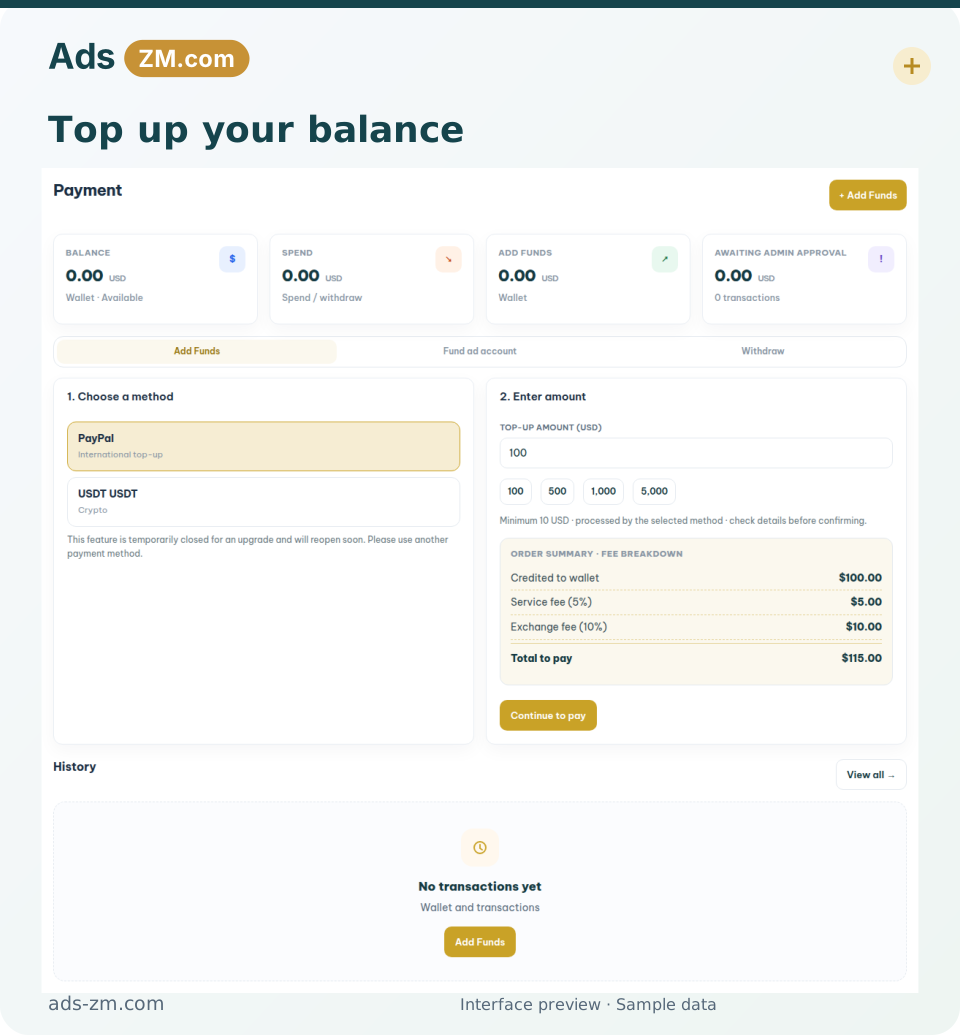
- Select your preferred payment method and proceed with the top-up to fund your account.
3.3.5 Step 6: Link your TikTok Business account to the Ads-ZM system
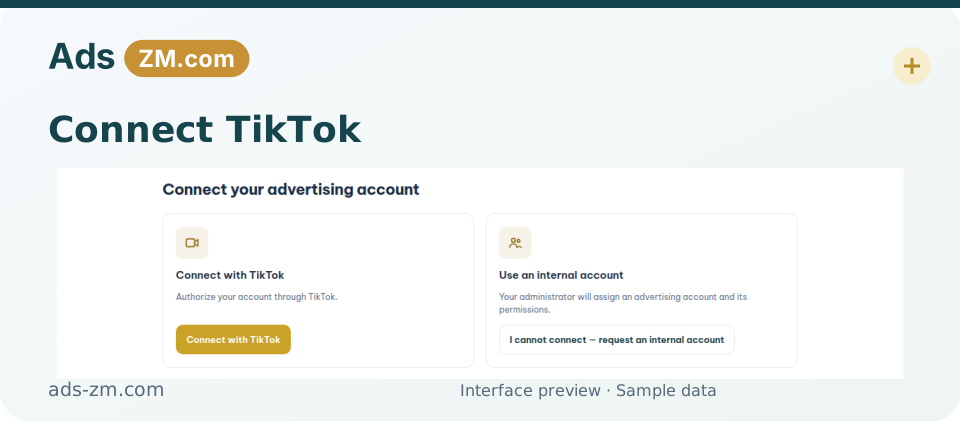
- Choose Connect to link with your TikTok For Business account.
- You will be redirected to the TikTok for Business page to proceed.
- Tick the two boxes below and select Accept.
- Agree to access all permissions related to your TikTok ad account.
- Click Confirm.
- Verification code sent via email — access your inbox to continue.
- Return to the Ads-ZM platform and complete the remaining required fields.
- Name your Business Center and select your timezone. Create a new account.
3.3.6 Step 7: Wait for TikTok to review and approve your ad account
- This usually takes about 4–5 hours.
- Check your new ad account at the My ad accounts tab.
3.3.7 Step 8: Transfer money from Ads-ZM wallet to advertising account
- Go to My Ad Accounts and locate the advertising account you want to fund.
- Click Add Fund and enter the amount you wish to transfer from your Ads-ZM Wallet.
- Confirm the transaction. The balance will be transferred instantly to your advertising account.
Auto Top-Up Feature: You can enable Auto Top-Up to automatically transfer funds from your Ads-ZM Wallet whenever your ad account balance reaches a low threshold.
Withdraw Funds: If your advertising account is still active, you can withdraw unused funds from the ad account back to your Ads-ZM Wallet at any time by clicking Withdraw.